Multiplayer Test
The Multiplayer Test quickly assumes a pivotal role in the development of a multiplayer game, enabling developers to validate their work efficiently in a locally bootstrapped multi-client setup.
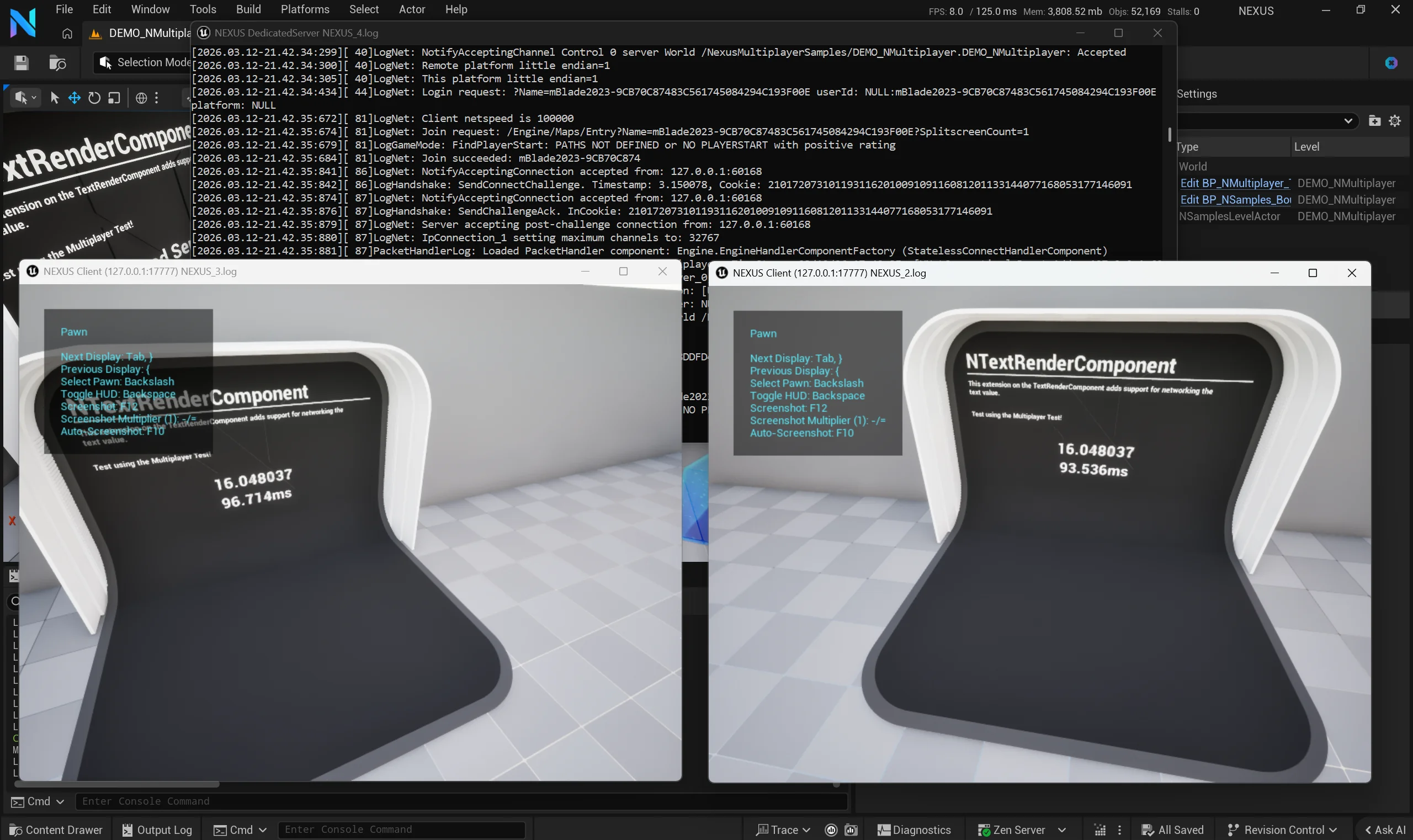
After some possible initial configuration, clicking the button on the right side of the editor's header launches the preconfigured sessions directly into the current level. Clicking the button again tears it all down.

One click to get to testing. It's just that simple!
Project-Level Settings
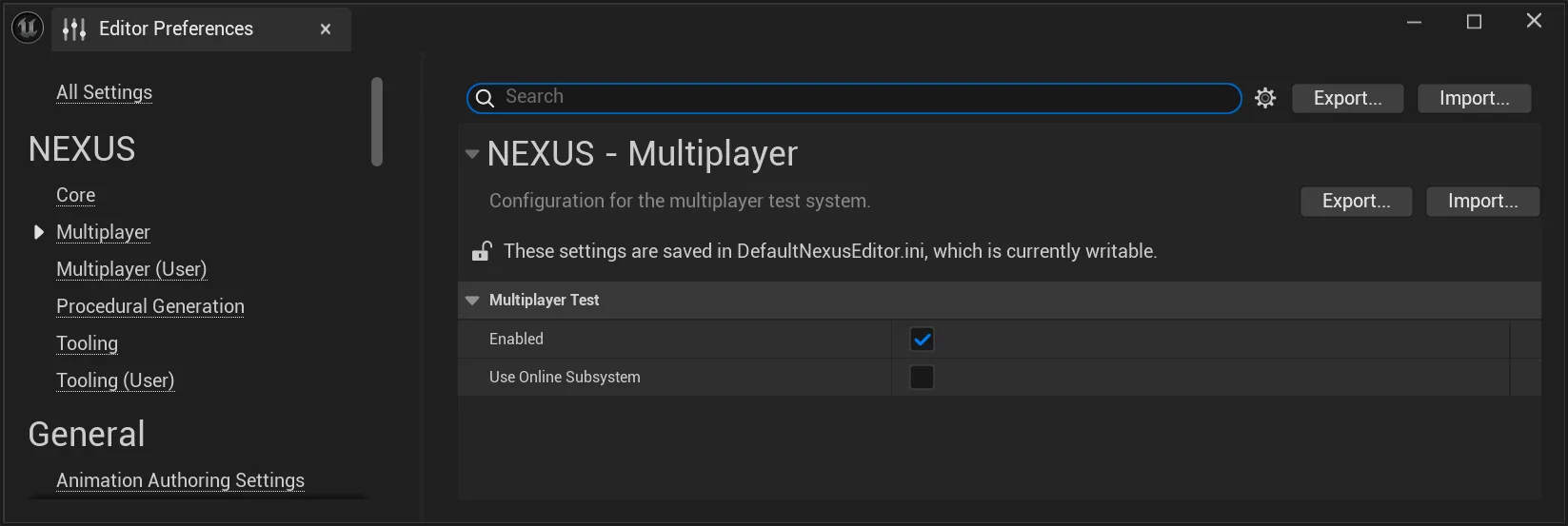
The project-level toggles live under Edit > Editor Preferences > Multiplayer and travel with the project (stored in NexusEditor.ini). These control whether the test surface is exposed at all and how authentication is configured for the spawned session — both apply to every developer working on the project.
| Setting | Description | Default |
|---|---|---|
| Enabled | Toggles whether the Multiplayer Test entry is added to the editor's play menu and toolbar. Turning this off removes the test button without uninstalling the plugin. | true |
| Use Online Subsystem | Should authentication use the Online Subsystem when the test session is launched? | false |
See UNMultiplayerEditorSettings for the type backing these.
User Settings
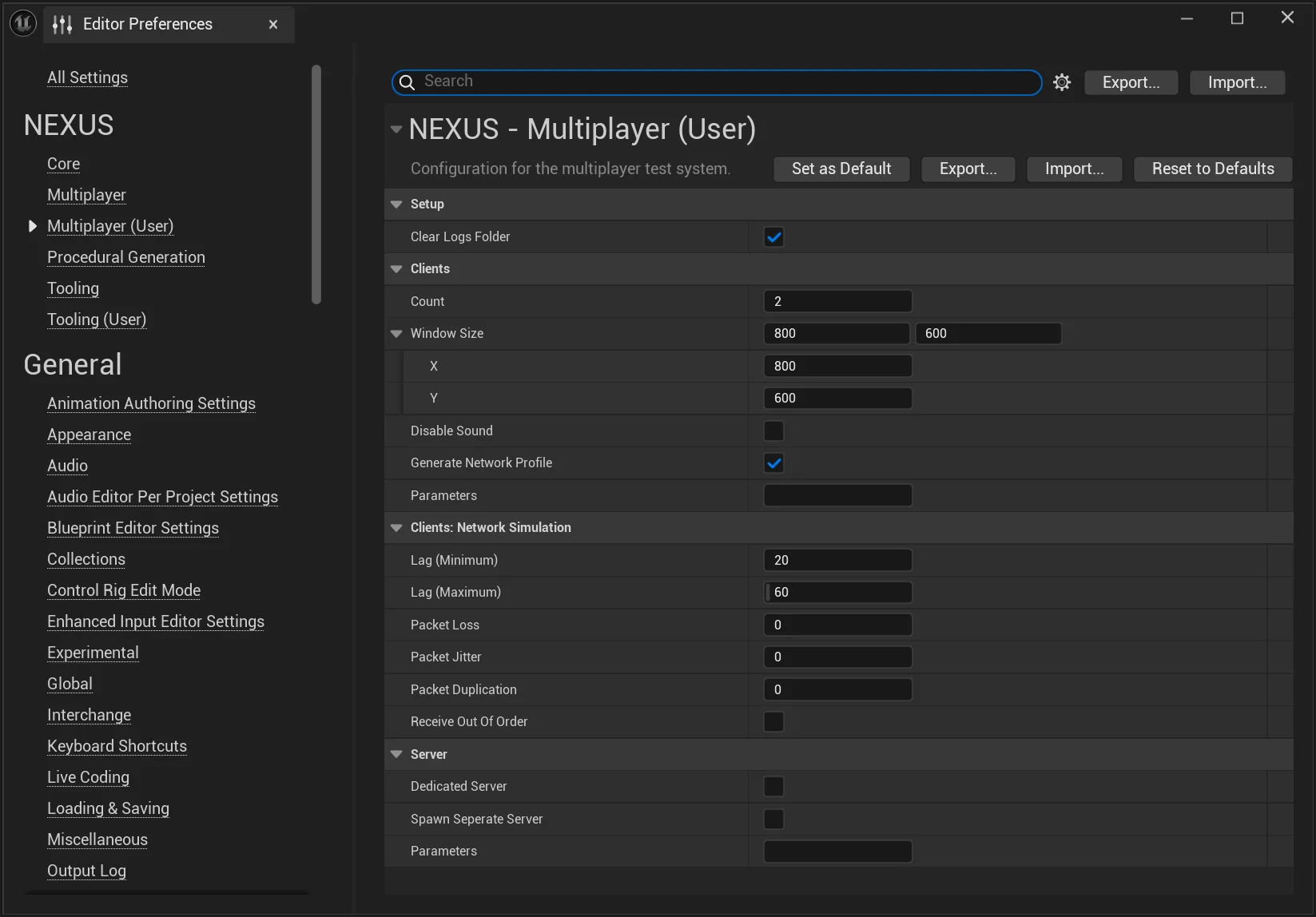
While the default settings should get most developers started, every game has its unique take on multiplayer and online services. The per-user knobs live under Edit > Editor Preferences > Multiplayer (User) and are stored in your local NexusUserSettings.ini, so they don't pollute the project's shared configuration. These back UNMultiplayerEditorUserSettings.
Setup
| Setting | Description | Default |
|---|---|---|
| Clear Logs Folder | Clear the (not-in-use) log files prior to running a test. Useful for keeping each session's log output isolated. | false |
Clients
| Setting | Description | Default |
|---|---|---|
| Count | The number of client instances to spin up. | 2 |
| Window Size | The size of the windows to create for the clients. | 800x600 |
| Disable Sound | Disables sounds on the spawned clients. | false |
| Generate Network Profile | Should a profile be captured of network traffic for each client? | false |
| Parameters | Additional launch parameters to pass to the client being launched. | <none> |
Clients: Network Simulation
| Setting | Description | Default |
|---|---|---|
| Lag (Minimum) | The minimum amount of network lag (ms) to be simulated on top of the existing round trip time. | 20 |
| Lag (Maximum) | The maximum amount of network lag (ms) to be simulated on top of the existing round trip time. | 60 |
| Packet Loss | An amount of packet loss (%) to be simulated. | 0 |
| Packet Jitter | An amount of packet jitter (ms) to be simulated. | 0 |
| Packet Duplication | An amount of packet duplication (%) to be simulated. | 0 |
| Receive Out Of Order | Forces network packets to be received out of order. | false |
Server
| Setting | Description | Default |
|---|---|---|
| Generate Network Profile | Should a profile be captured of network traffic for the server? This option is hidden (and has no effect) when the clients variant is enabled, since the per-client profile already covers the relevant traffic. | false |
| Dedicated Server | Spawn a dedicated server for clients to connect to. | true |
| Spawn Separate Server | A rarely used option that will launch a separate server (possibly hidden in-process depending on RunUnderOneProcess) even if the net mode does not require a server (such as Standalone). If the net mode requires a server (such as Client) a server will be launched for you (regardless of this setting). | false |
| Parameters | Additional launch parameters to pass to the server being launched. These parameters are on top of the existing client parameters. | <none> |
Network Profiler
One of the options available for the Multiplayer Test is to generate a network profile alongside the test, which is stored in the local <PROJECT_DIRECTORY>/Saved/Profiling/ folder.
These profiles can provide vital information about the makeup of your network communications and reveal crucial optimization opportunities.
This tool is NOT bundled with the downloadable Epic Game Launcher version of the Unreal Engine, and must be built from source. There is a public rewrite of the tool available from 2021, but is not as feature complete as the internal tool.
When the tool (NetworkProfiler.exe) is present in the engines' folder under Binaries/DotNet, the NexusCoreEditor will automatically add an entry into the Tools > Profile menu.
